Revision [34800]
This is an old revision of HomePagePlus made by coolpup on 2026-09-25 02:51:35.
Reject computer operating systems that track, surveil, profile and manipulate the user. (1)
Employ alternative systems that are superior, comprised of free software and respect one's privacy. (2)
Puppy GNU+Linux is better than Microsoft Windows. (3)
It is time to switch to Linux! (4)
Tip: Copy and paste video hyperlinks into Grayjay app for video playback
(1)https://www.youtube.com/watch?v=Bzgt2HKWmHY
(2)https://www.gnu.org/philosophy/free-sw.html
(3)https://youtube.com/watch?v=hOSd7wD-2x4
(4)https://rumble.com/v6zgw6o-its-time-to-go-linux-get-ready-and-lets-discuss-why-youre-holding-back.html?e9s=src_v1_ucp_a
Desktop Computer Operating System Releases
A. Puppy GNU+Linux
- Using Debian package repositories
- Using Slackware package repositories
- Using Ubuntu package repositories
- F96-CE
- Using Void package repositories
B. EasyOS GNU+Linux {experimental, cutting-edge 64-bit GNU+Linux computer operating system from Barry Kauler}

C. Other GNU+Linux Computer Operating Systems (for comparision with those above)
- 32-bit & 64-bit disk images
- 64-bit disk image only
- 64-bit disk images only (Server Edition bare-bones)
- 64-bit disk image only
- 64-bit disk image only
- 64-bit disk image only
- 64-bit disk image only
- 64-bit disk image only
- 64-bit disk image only
- 64-bit disk image only
- 64-bit disk image only
Flashing/Writing Desktop Computer Operating Systems to Data Storage Device
- Flashing to External Data Storage Device
- Flashing to Internal Data Storage Device
Some Android-Based Operating Systems

- Community Forum: https://community.iode.tech/
- News & Reviews
- Distrowatch.com, 2025-11-05.
- Distrowatch.com, 2025-02.
- Contributing
- Custom System Images
- Official
- Stable Releases https://gitlab.iode.tech/ota/release
- Beta Releases https://gitlab.iode.tech/ota/betas
- Unofficial
- Generic System Images
- Official

- Releases (source code only)
- News & Reviews
- DistroWatch Weekly, 2026-08.
- DistroWatch Weekly, 2022-07.
- Custom System Images
- Official
- Unofficial
- Generic System Images
- Official
- N/A
- Unofficial
- /e/OS Web installer (open within chromium-based browser, e.g. Brave; for officially supported devices only)


- Custom System Images
- Official
- Generic System Images
- Official
- N/A
- Unofficial
- Custom System Images
- Official
- Generic System Images
- Official
- Infinity X
- Custom System Images
- Official
- Generic System Images
- Official
- Lunaris-AOSP
- Custom System Images
- Official
- N/A
- Generic System Images
- Official
- Android Open Source Project
- Generic System Images
- Official
Flashing/Writing System Images of Android-Based Operating System Releases to Mobile Computer (Smartphone/Tablet)
- An image of an Android-based computer operating system for mobile computers can be classified as either generic or custom:
- Generic system image (G.S.I.) - developed for use with modern Android devices that comply with Project Treble
- Custom system image (C.S.I.) - developed for use with a specific Android device only
- Primary requirement: Device bootloader must be able to be unlocked
- WARNING: DO NOT UPGRADE SAMSUNG DEVICES TO ANDROID 16. OTHERWISE ABILITY TO UNLOCK BOOTLOADER WILL BE BLOCKED PERMANENTLY & DELIBERATELY BY SAMSUNG - https://github.com/zenfyrdev/bootloader-unlock-wall-of-shame/blob/main/misc/samsung-unlock.md
- Additional G.S.I. requirement: Device must comply with Project Treble
- General Method
- Samsung devices
- Non-Samsung devices
- Ksk Royal: https://www.youtube.com/watch?v=-qTCv48yakA
- Software Drivers
- Google U.S.B. Driver for Windows
- Samsung Android U.S.B. Driver for Windows
- Other O.E.M. U.S.B. Drivers
- Software Tools
- Target Android device: Nothing Phone 3a (4nm Snapdragon 7s Gen 3, 12GB LPDDR5X R.A.M., U.F.S. 3.1 flash storage, 6.77in, 120Hz)
- Custom System Recovery Image https://sourceforge.net/projects/infinity-x/files/asteroids/16/images/
- Custom System Image
- https://doc.e.foundation/devices/tetris/install (similar for asteroids)
- Target Android device: Samsung Galaxy A33 (5nm Samsung Exynos 1280, 6.40in, 90Hz)
- Flash the system recovery image
- Download
- Custom System Recovery Image (same procedure as for Samsung Galaxy Tab S7)
- Flash the system image (from within system recovery mode on the target Android device)
- Download
- Custom System Image
- Generic System Image
- Boot to system recovery mode (on the target Android device)
- Power-off the device
- Simultaneously depress and keep depressed, both Volume Up & Power buttons and then quickly connect the target device, via a high-quality U.S.B. cable that is rated for data-transmission, to a powered notebook/desktop computer, until system recovery mode appears.
- Execute commands within system recovery image (custom system recovery image developed by Team Win Recovery Project)
- Advanced -> Terminal -> Type multidisabler
- Home -> Wipe -> Format Data (WARNING: ALL USER DATA ON TARGET DEVICE WILL BE ERASED) -> Type yes
- Re-boot to system recovery mode, not system mode
- Home -> Re-boot -> Recovery
- Connect, via U.S.B. data cable, to storage device, containing system image file (with file extension .img or .zip)
- #For .img file: Home -> Install -> Select Storage -> USB OTG -> OK -> Install Image -> select file -> Select System Image Target Partition to Flash Image -> Swipe to confirm flash
- For .zip file: Home -> Install -> Select Storage -> USB OTG -> OK -> Install Zip -> select file -> Swipe to confirm flash
- Re-boot System (after completion of the flashing process)
- Initially, the device may re-boot to system recovery, instead of to system, once or twice. Each time that happens, simply:
- Re-boot -> System
- Target Android device: Samsung Galaxy Tab S7 (7nm Snapdragon 865+, U.F.S. 3.0 flash storage, 11.0in/280mm 16:10 120Hz 2560x1600 274PPI IPS LCD)
- Custom System Image
- How to Flash Samsung Galaxy Tab S7 with a System Image
- Backup important data from the target device to some other device
- Remove any Samsung or Google accounts on the target Android device
- Remove any screen lock on the target Android device
- Enable Developer options from within Settings of target Android device
- Enable OEM unlocking from within Developer options of target Android device
- Enable U.S.B. debugging from within Developer options of target Android device
- Boot to Download (Odin) Mode & Unlock the Bootloader of target Android device:
- Power-off the device
- Simultaneously depress and keep depressed, both Volume Up & Volume Down buttons and then quickly connect the device, via a high-quality U.S.B. cable that is rated for data-transmission, to a powered notebook/desktop computer, until blue screen appears.
- Select Device Unlock by long-pressing Volume Up button. WARNING: ALL USER DATA ON TARGET DEVICE WILL BE ERASED. IRREVERSIBLE CHANGES, SUCH AS NO MORE UPDATES FROM SAMSUNG, LOSS OF ANY WARRANTY.
- iode-[...]-recovery.img ((CUSTOM) ANDROID SYSTEM RECOVERY IMAGE)
- iode-[...]-vbmeta.img
- iode-[...]-ota.zip ((CUSTOM) SYSTEM IMAGE)
- Convert recovery.img and vbmeta.img files to tar file format, using the following command via the command-line interface on a secondary Windows or Linux computer:
tar -cfv --format=ustar iode-[...]-recovery.tar iode-[...]-recovery.img
tar -cfv --format=ustar iode-[...]-vbmeta.tar iode-[...]-vbmeta.img
- Flash the system recovery image, recovery.tar, and the vbmeta.tar file using Brokkr software application (from within an Android, Linux or Windows computer that is connected to the target Android device via a high-quality U.S.B. data cable):
- Boot to Download (Odin) Mode (on the target Android device)
- Power-off the device
- Simultaneously depress, and keep depressed, both Volume Up & Volume Down buttons and then quickly connect the device, via a high-quality U.S.B. cable that is rated for data-transmission, to a powered notebook/desktop computer, until blue screen appears.
- Enter Download (Odin) Mode, by selecting Continue.
- Configure the Brokkr flashing tool to not auto-reboot
- Select for the AP field -> iode-[...]-recovery.tar
- Select for the USERDATA field -> iode-[...]-vbmeta.tar
- Start the flashing process
- When this flashing process has completed, one can now enter into Android System Recovery mode and proceed to flash the system image.
- Flash the system image (from within Android System Recovery mode on the target Android device)
- Boot to Android System Recovery Mode (on the target Android device)
- Power-off the device
- Simultaneously depress and keep depressed, both Volume Up & Power buttons and then quickly connect the target device, via a high-quality U.S.B. cable that is rated for data-transmission, to a powered notebook/desktop computer, until Android System Recovery Mode appears.
- Using Android System Recovery modified by Lineage OS
- Factory Reset -> Format Data (WARNING: ALL USER DATA ON TARGET DEVICE WILL BE ERASED)
- Apply update -> Apply from ADB
- Revert to the secondary device/computer and flash the ota.zip file, using adb sideload command; but first confirm sideload mode with adb devices command:
adb devices
- Output from command must indicate sideload mode
adb sideload iode-[...]-ota.zip
- Revert to Android System Recovery mode on the target Android device
- Re-boot system now (after completion of adb sideload command, the flashing process)
- Initially, the device may re-boot to system recovery, instead of to system, once or twice. Each time that happens, simply:
- Re-boot -> System
- Target Android device: Samsung Galaxy Tab S5e (10nm Snapdragon 670, 4GB LPDDR4X R.A.M., eMMC 5.1 flash storage, 10.5in, 60Hz OLED, USB Type-C 3.0)
- How to Flash Samsung Galaxy Tab S5e with a Custom System Image
- Same procedure as for Samsung Galaxy Tab S7
- Flash the system recovery image
- Custom System Recovery Image [ gts4lv | gts4lvwifi ]
- Same procedure as for Samsung Galaxy Tab S7
- Flash the system image (from within Android System Recovery mode on the target Android device)
- Custom System Image
- [ gts4lv | gts4lvwifi ]
- Same procedure as for Samsung Galaxy Tab S7
- Target Android device: Samsung Galaxy Tab S2 9.7 (Exynos 5433, 3GB R.A.M., eMMC flash storage, 9.7in 60Hz OLED, microUSB 2.0 with MHL TV-out)
Some Non-Android-Based Operating Systems for Mobile Computer (Smartphone/Tablet)
Privacy & Security
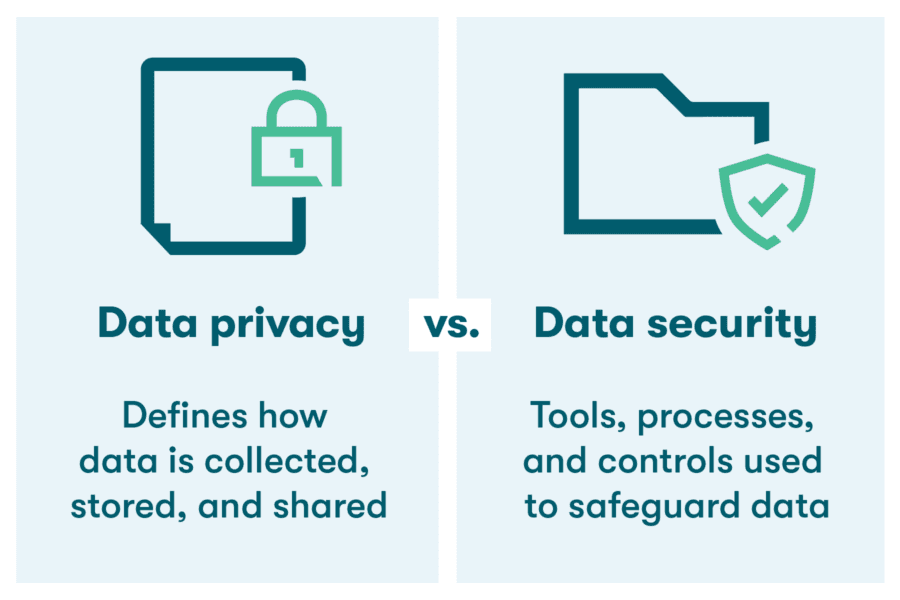

privacy: freedom from unauthorized intrusion (Merriam-Webster)
security: measures taken to guard against espionage or sabotage, crime, attack, or escape (Merriam-Webster)
cybersecurity: measures taken to protect a computer or computer system (as on the Internet) against unauthorized access or attack (Merriam-Webster)
- Internet Search Engines
- The Linux Experiment, 2025-05-22
- Web Browser Isolation
Confine any GoogleId. and minimize browser fingerprinting via strict Web browsing segregation (BrowserIsolation), by employing a different Web browser, for each of the following three circumstances:
- For when accessing Google services only & signed-in to a Google account (i.e. GoogleId. is present), e.g. Gmail, Youtube:
- Chrome FOR DESKTOP OPERATING SYSTEMS ONLY
- Brave FOR MOBILE OPERATING SYSTEMS ONLY
- For when accessing Google services only & not signed-in to Google account, e.g. Youtube
- For when accessing everything else & not signed-in to Google account MAKE THIS THE DEFAULT BROWSER
- LibreWolf, Mullvad, Floorp, Tor Browser and other Web browsers can be used to segregate into further categories:
- Banking/Finance/Shopping
- Entertainment/General
- News/Politics/Health
- Linux Desktop Security: 5 Key Measures, Explaining Computers, 2025-10-05.
Backup
DataRecovery
SecureErase
Hardware
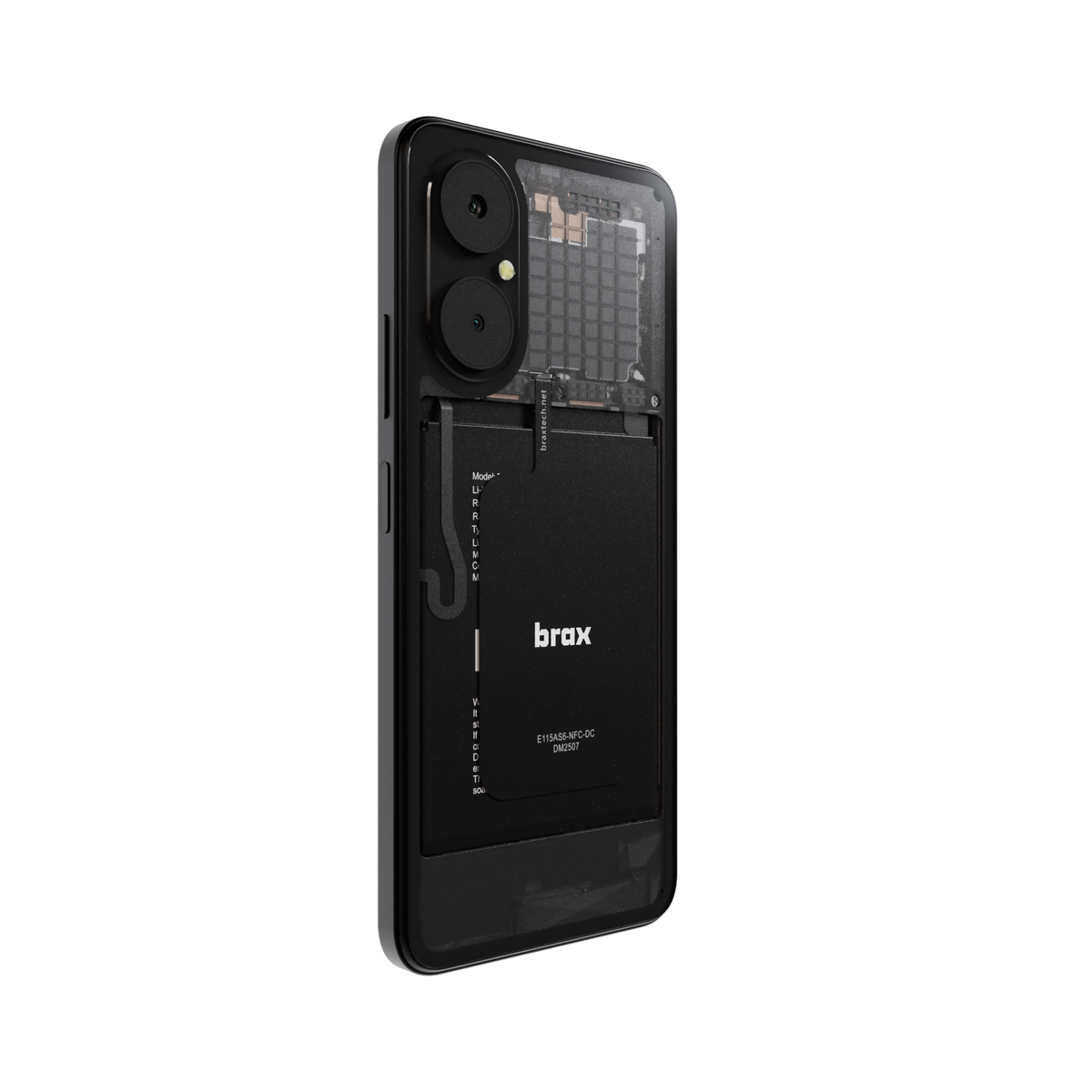

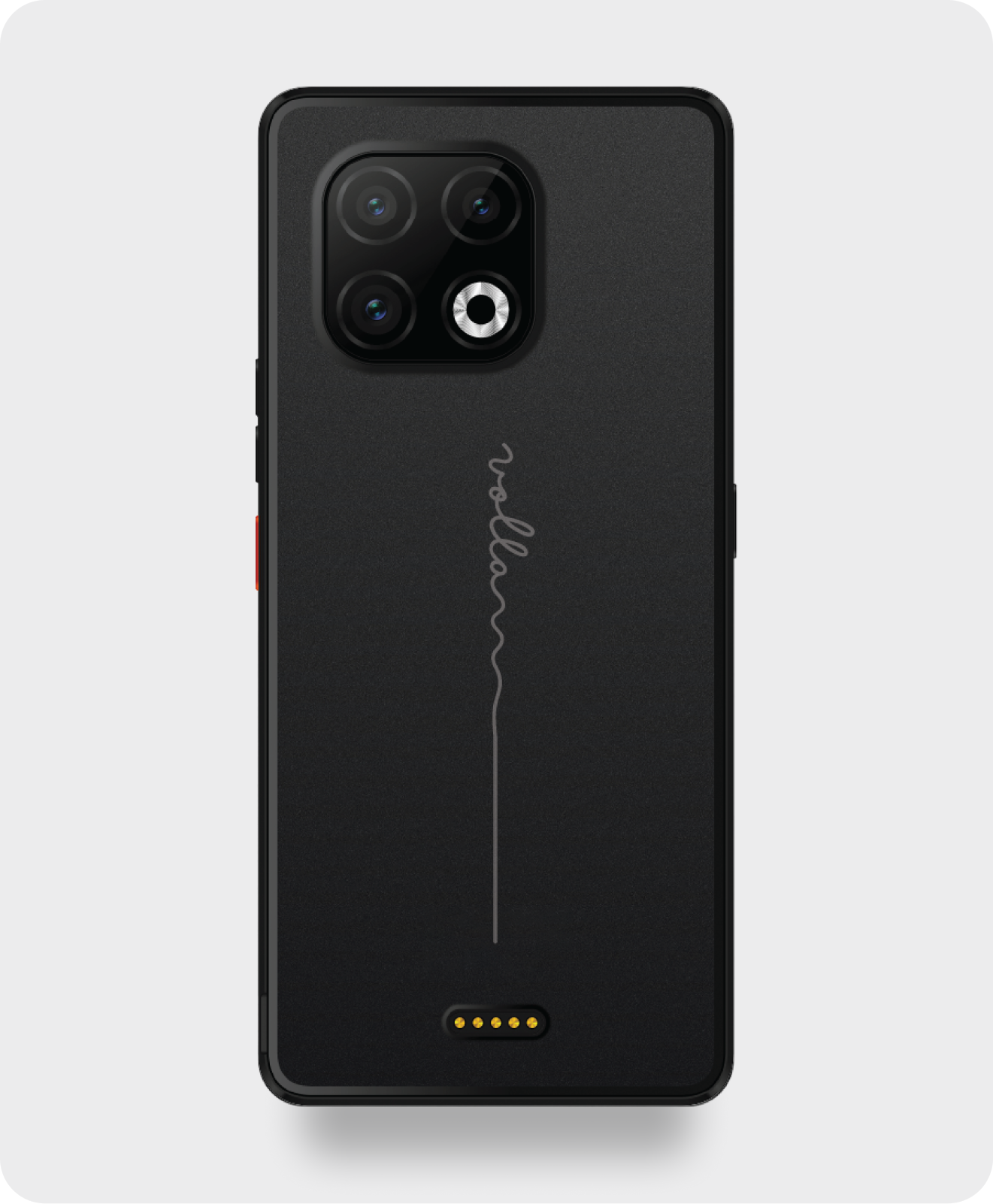
- Do not buy a new computer in 2026!, Rob Braxman Tech, 2026-04-01.
- Recommended Linux-compatible notebook computers, Rob Braxman Tech, 2025-10-01.
- Why we are at a fork with computing devices, Rob Braxman Tech, 2025-05-29.
- Laptop Confusion in 2025, Rob Braxman Tech, 2025-05-28.
- Choosing PC Build Components, Explaining Computers, 2025-03.
- Very Useful Small Computing Things, Explaining Computers, 2024.
Data Storage
- https://www.youtube.com/watch?v=ulh9z-JluBs 2026-04-05
- Solid State Drives
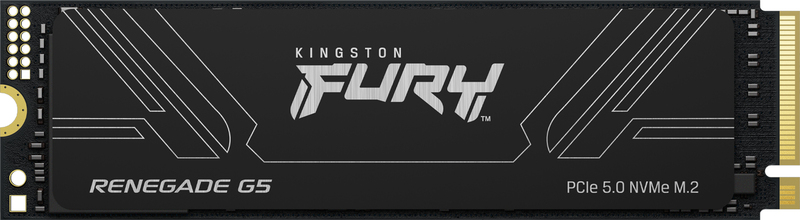
- Hynix P41 PCIe 4.0 NVMe M.2

- Flash Memory Cards
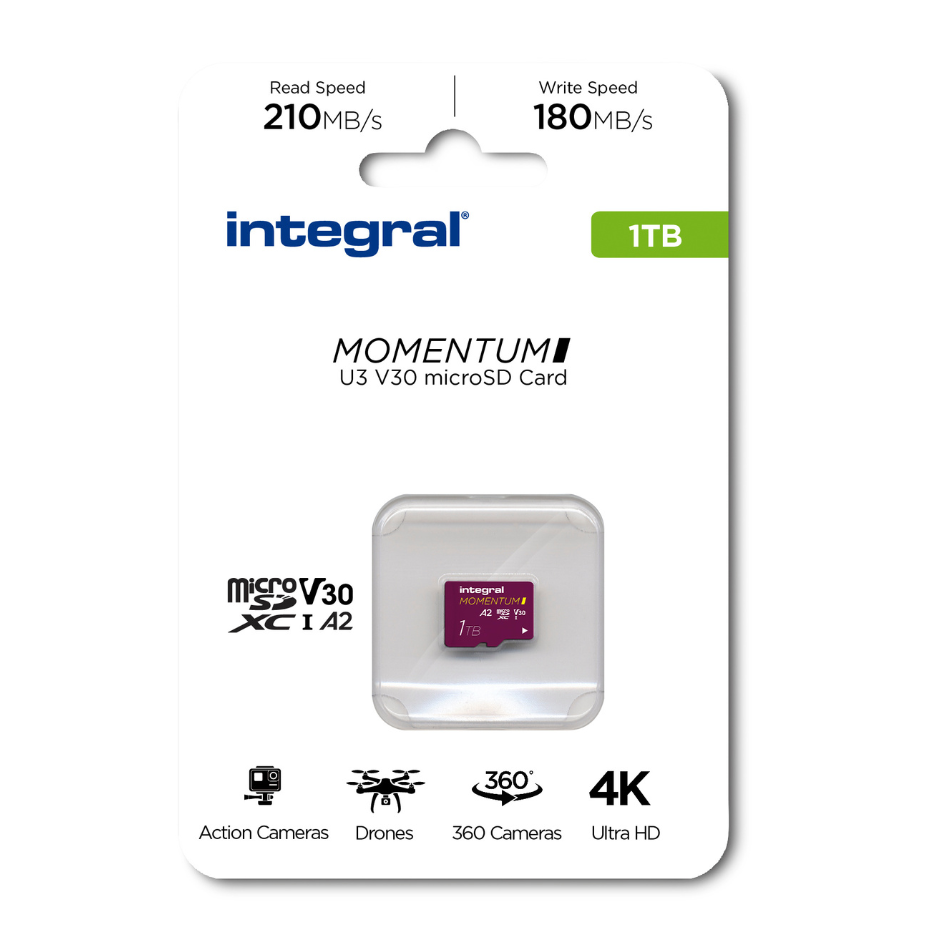
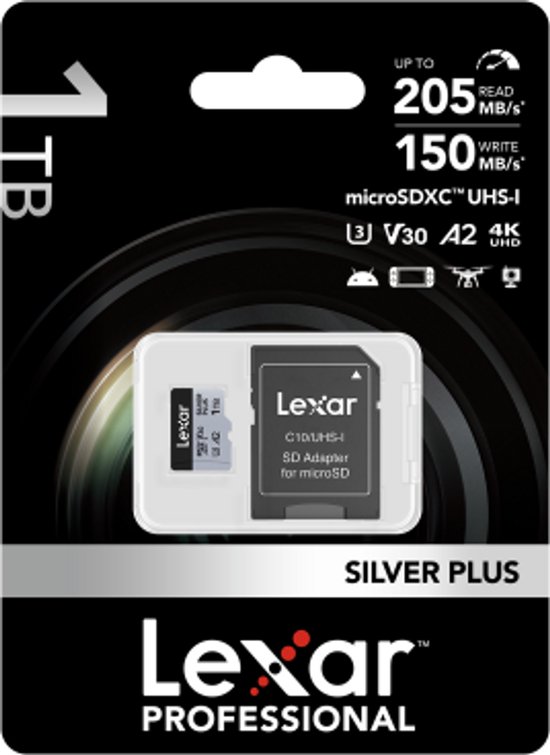
- The best microSD cards in 2025, Engadget, 2025-05-29.
- Testing MicroSD Express, Explaining Computers, 2025-06-29.
- Top S.B.C. microSD Card, Explaining Computers, 2020.
Software Applications (Apps)
Please consider contributing financially to support software developers.- Thunderbird: APK (Android package)
- SimpleX: {APK (Android package) | terminal app for GNU+Linux}
- JW Library: {APK (Android package) | ZIP for Windows}
- Run Any Windows Application On Your Linux Machine, Mental Outlaw: https://www.youtube.com/watch?v=mdnbIXArwVk
Networking
- I.P. Address
- Internet Speed
- Network Cabling
- Bombal, 2025.05
- Home Network Setup
- Basic
- Advanced
Programming
- Will Artificial Intelligence Replace Programmers?, Mental Outlaw, 2025.05.21: https://www.youtube.com/watch?v=QbiXTedaoSY
Playtime
- Ventoy
Disclaimer
All information is provided in good faith, for educational purposes only, by content creators who cannot be held liable for any negative consequences. Use this information at your own risk. Do your own research and make sure of all things.
Home | HomePage | AdminPages | PageIndex | RecentChanges | RecentlyCommented | Forum
